

 Buy Link ⇒
Description
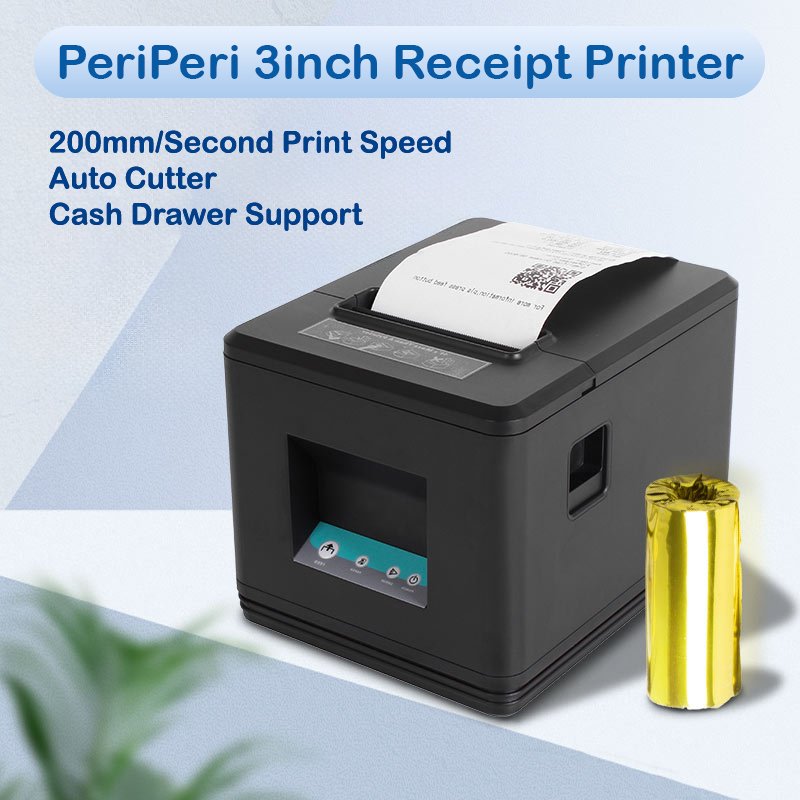
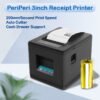
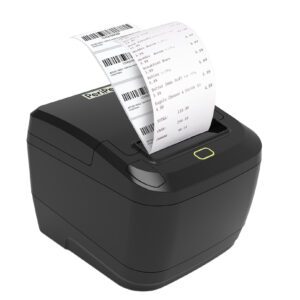
- Ultra-Fast 260mm/s Printing Performance – Delivers crisp, clear receipts at speeds of up to 260mm per second, reducing customer wait times and increasing productivity. Features cash drawer integration with automatic opening before or after receipt printing for a seamless point-of-sale experience.
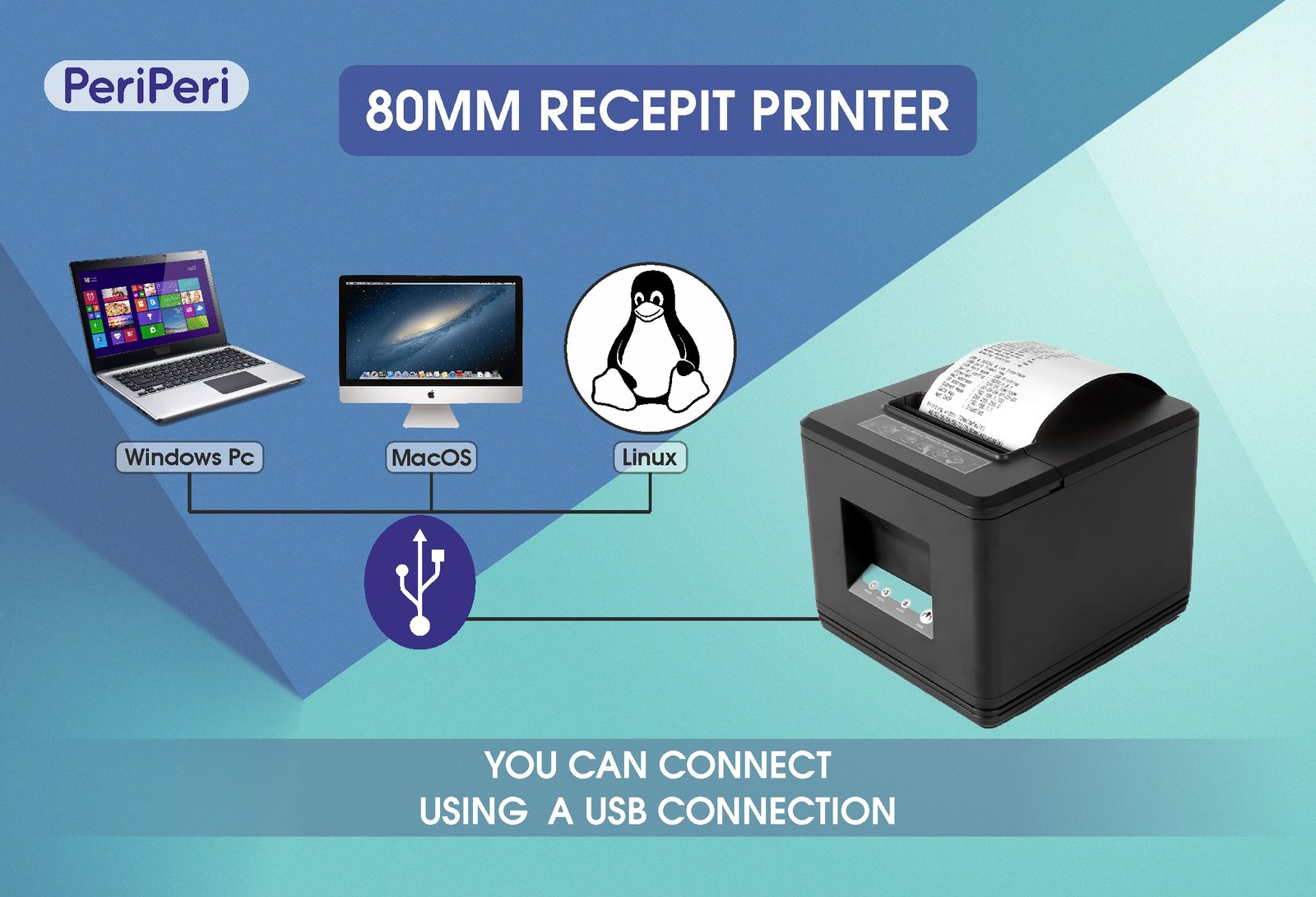
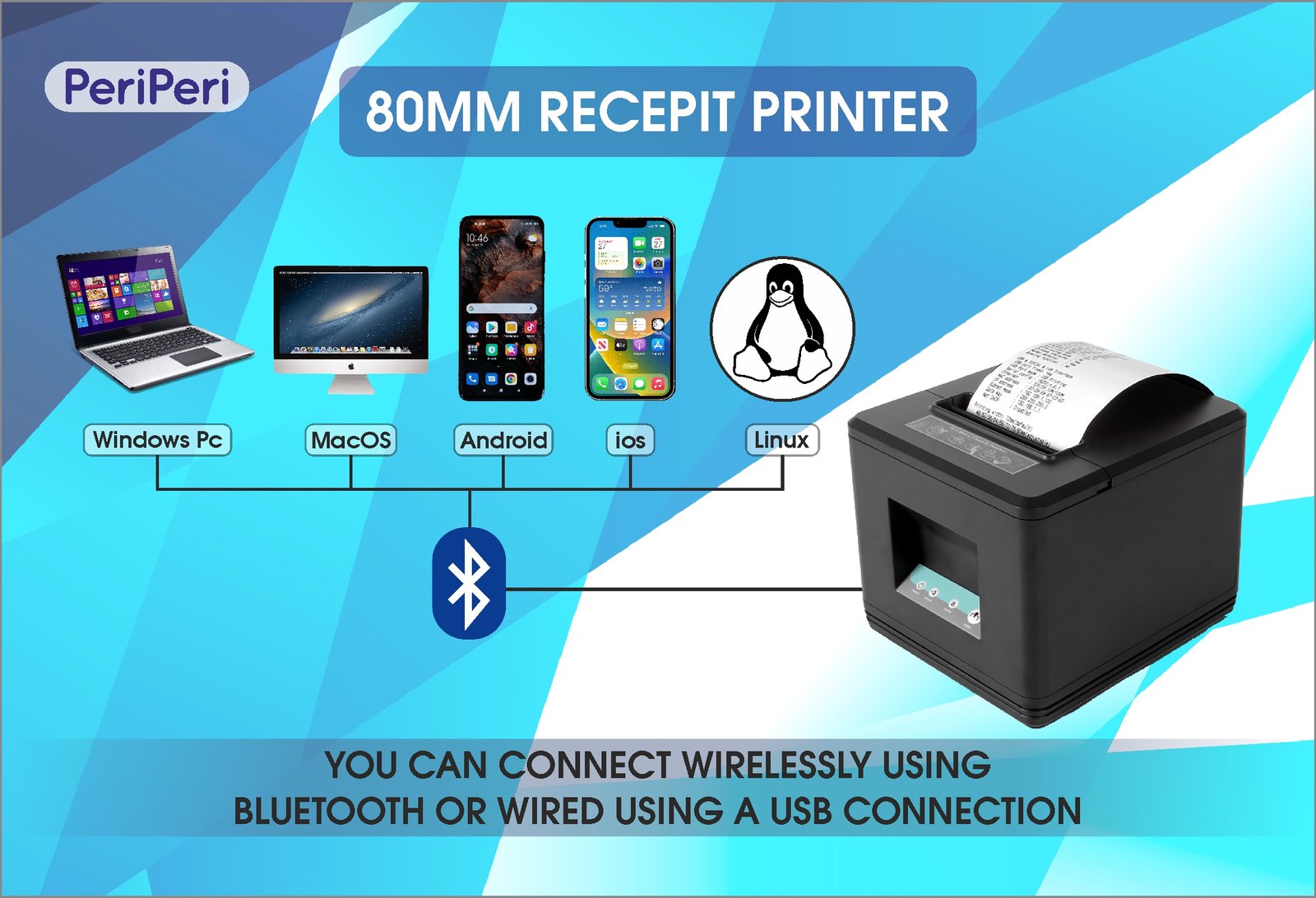
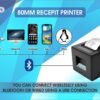
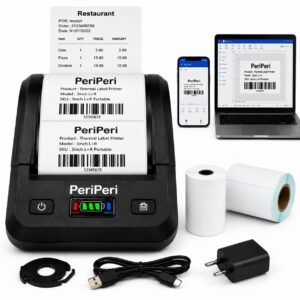
- Wide Compatibility USB + Bluetooth :- Compatible With Android, Windows, Mac OS System, USB Cable & Bluetooth Connectivity. NOTE:- With Apple Mac Works via USB Cable Connection Only, For Use With Mac Required USB To Type C OTG Adapter (Not Include With Printer) Required To Purchase Separately.
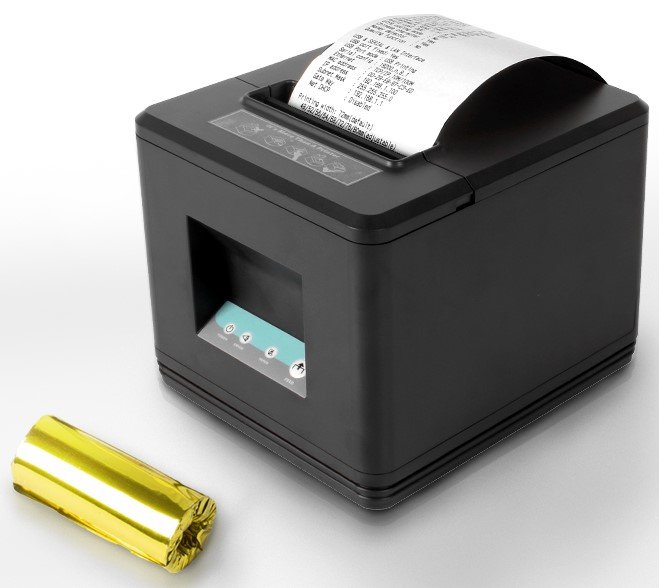
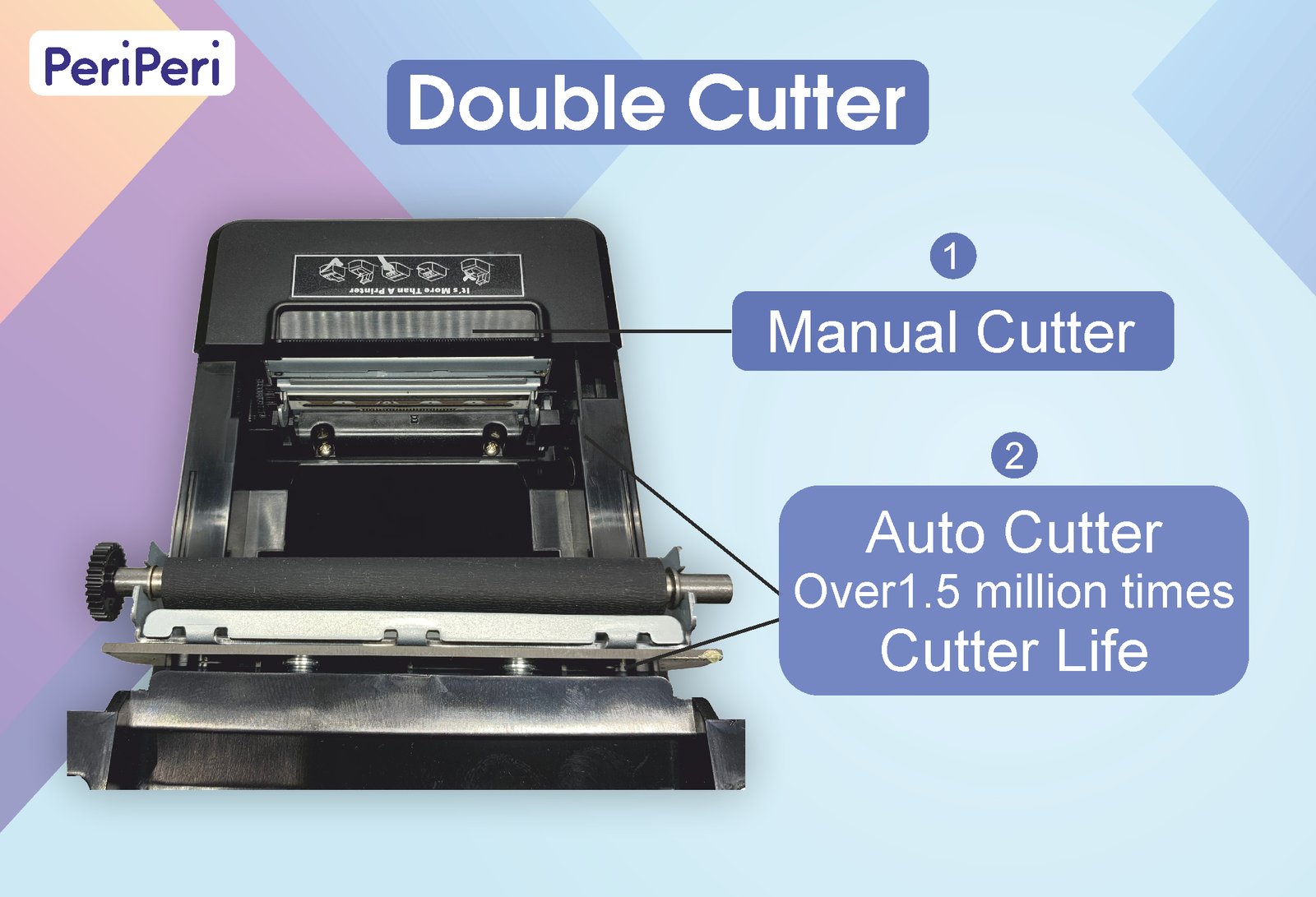
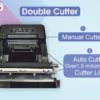
- Dual Cutter & Customizable Beeper Alerts – Equipped with a Dual Cutter System (1 Auto Cutter + 1 Manual Cutter) for maximum convenience and reliability. The durable stainless steel auto cutter delivers clean and precise paper cuts after every print, ensuring smooth and professional receipt output. Features a powerful built-in loud beeper to instantly notify users when printing is completed. The beeper settings can be customized through the Windows printer driver, allowing you to choose No Beep, Beep Before Printing, or Beep After Printing according to your business requirements.
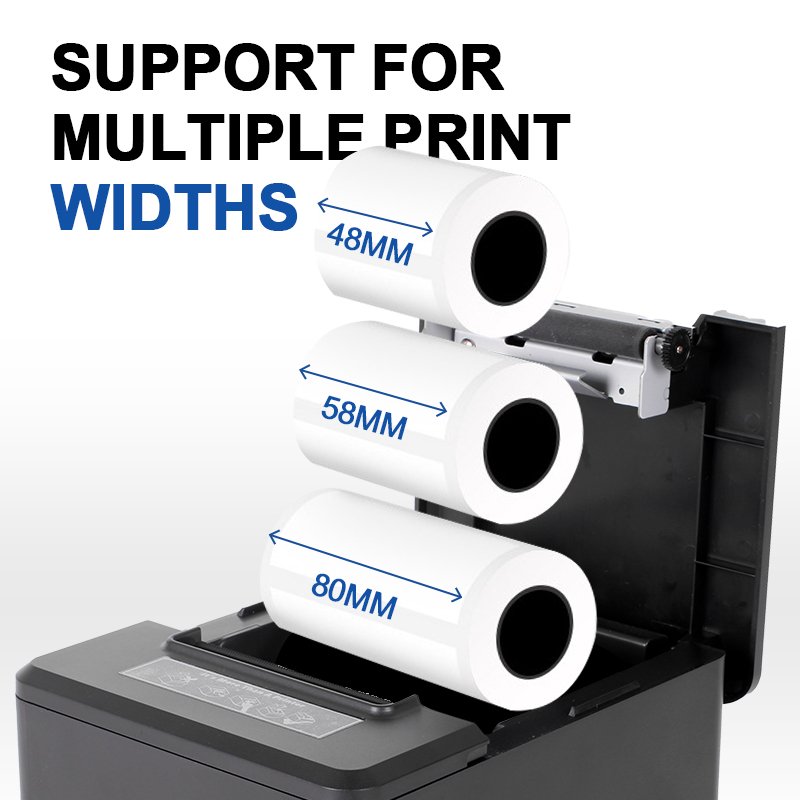
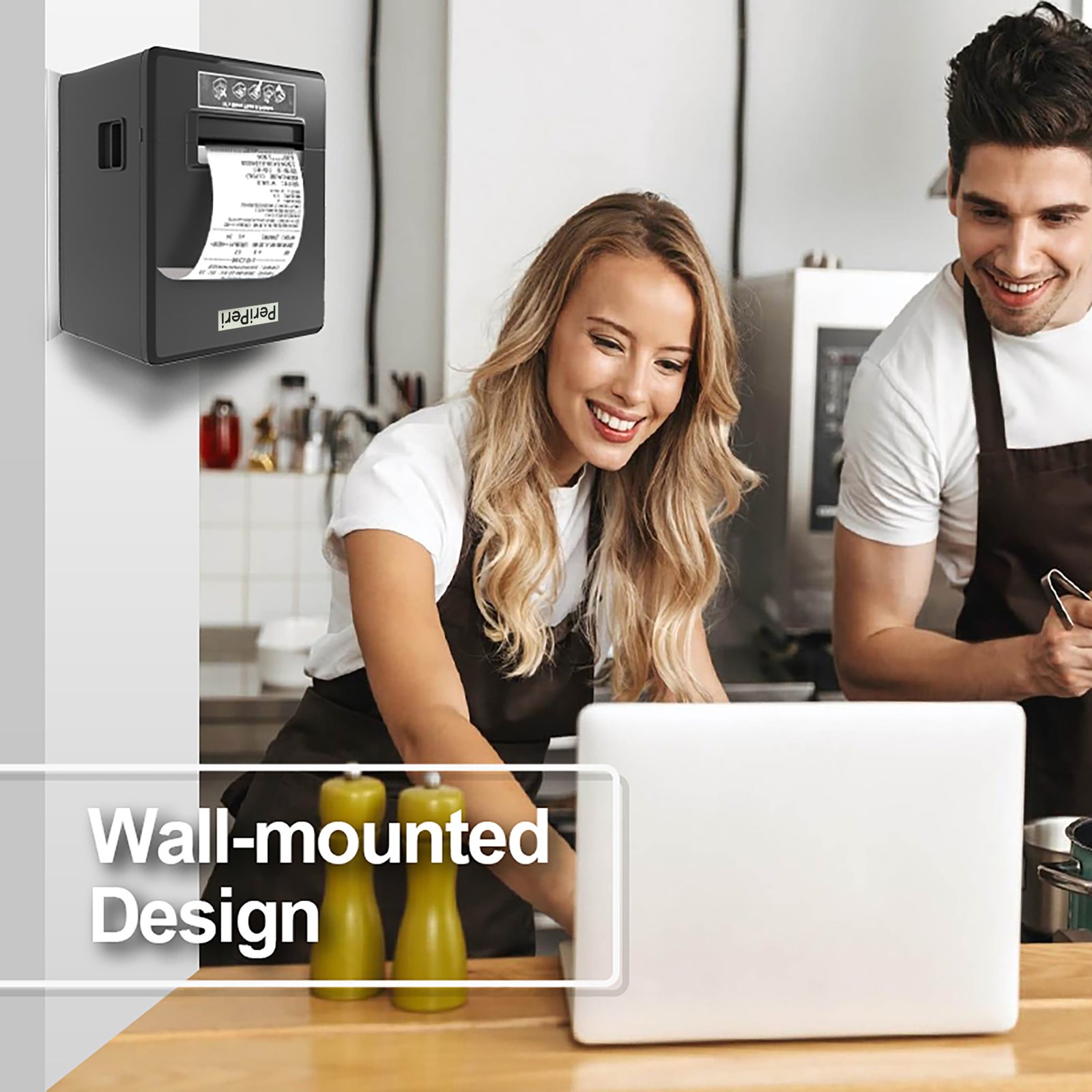
- Large-Capacity Paper House & Space-Saving Design – Supports thermal paper rolls up to 80mm width × 80mm diameter, allowing the use of 20m, 25m, 40m, 50meter and other standard receipt paper rolls for longer uninterrupted printing and fewer paper replacements. Designed with a compact square-shaped body, this printer occupies minimal counter space while remaining easy to carry and install. Ideal for retail stores, restaurants, pharmacies, supermarkets, and other business environments where desk space is valuable.
- Important Printing Quality Note: For the best print darkness and clarity, we recommend using PeriPeri Official Thermal Paper Rolls or other high-quality branded thermal paper. This printer uses Direct Thermal Technology, which prints by applying heat to the special thermal coating on the paper. No ink, toner, or ribbons are required.
- For consistently dark, sharp, and long-lasting prints, always use fresh, premium-quality thermal paper and store rolls in a cool, dry environment away from direct sunlight and heat. If print output becomes light over time, the issue is often related to the thermal paper rather than the printer. Low-quality paper, insufficient thermal coating, improper storage conditions, or aged/expired paper rolls may result in faded or lighter prints because the heat-sensitive coating loses effectiveness over time. The printer’s role is to generate precise heat, while print darkness largely depends on the quality and condition of the thermal paper being used.
Reviews
There are no reviews yet.