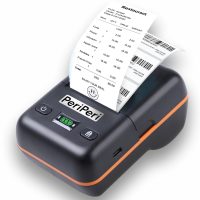
BT-58L Printer Windows Driver Note:- With Windows System The Printer Will Work Via USB Cable Receipt Drivers Download Labels Drivers Download For Smartphone Video The Printer Can Print Thru All Thermal Printer Compatible Billing Software Apps Like Vyapar, MyBillBook, KhataBook Etc.NOTE:- For Print Receipts with these Billing Apps The Printer Mode Should on Receipt Mode 'Open Label' Mobile App Note:- After Download, Connect The Printer Inside Open Label AppPrinter Name:- BT-58L Password:- 0000if You Have Purchased Before 30-01-2026ThenAfter Successful Connection Click on > More > Switch Mode> Select ESC1 if You Have Purchased After 30-01-2026ThenAfter Successful Connection Click on > More > Switch Mode> Select TSPL For Change Mode To Receipt/Label Printing:- Three Times Press Feed Button in 1 Second. Why Choose the BT-58L? Enhance Your Experience with BT-58L Printer Transform your printing tasks with the BT-58L. This compact printer delivers precision, speed, and ease, tailored to meet your business demands. Key Features Fast Printing Speed: Save time with lightning-quick printing. Compact Design Eco-Friendly Options: Reduce your carbon footprint with energy-efficient settings.